Deliver your show
Take control of your Live Event Media
An integrated NAS (Network Attached Storage) and show-centric media tracking system.
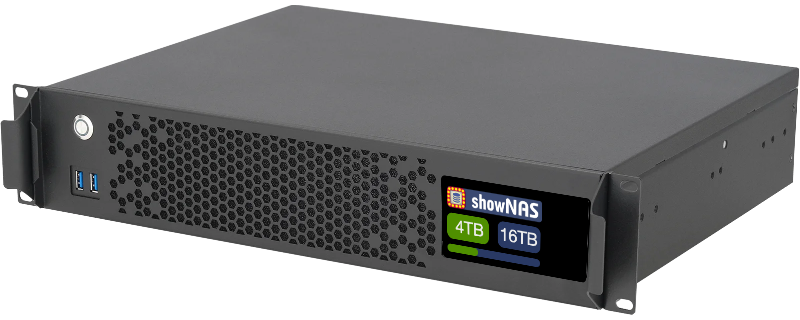
prototype model shown
Features
Deploy a ShowNAS event media appliance for your events and reduce your reliance on random disks and costly unreliable internet connections.
NAS Appliance
Ultra fast, reliable solid state storage big enough for all your show media.
Internal Database
Access the media database from any connection to view your elements
Cloud Sync
Access your media database from anywhere (requires server Internet)
Any Media Type
ShowNAS tracks and recognizes many media types, or add your own.
Internal Network
Work locally (without Internet access), without linking departments.
High Speed
Multiple high speed network connections support all your transfers.
From raw files to flawless shows, quickly and effortlessly.
Receive and distribute files cleanly and quickly to all departments, and confidentally communicate the status of media with all team members and stakeholders.

Define your show
Reset your ShowNAS, define some simple details about your event, and optionally fill in details on any show elements you know about.
ShowNAS is configured as an appliance, intended to be rented for your event. Content Managers and Screen Producers can focus on what's important.
Connect to your file sources
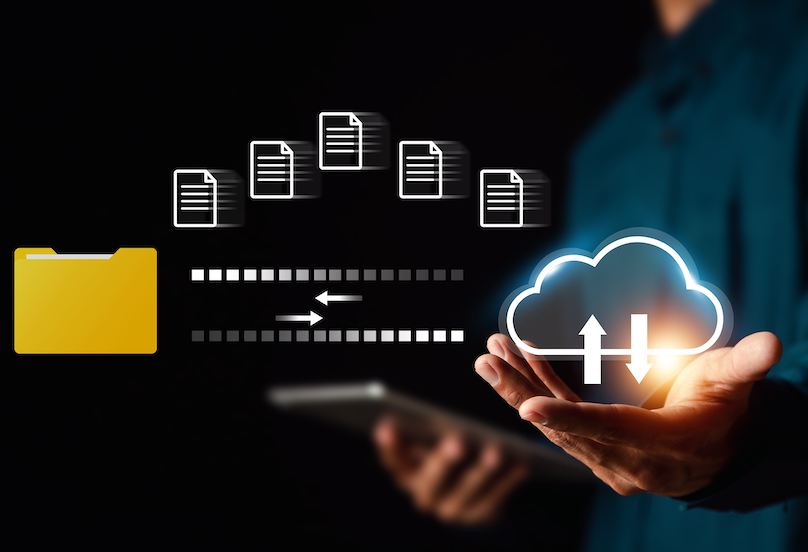
Tell the system where your files will be arriving, and optionally generate upload links so media will arrive where you expect.
Use cloud based file sharing systems and link to local machines.
Connect to your Show
Use a unique, fast network connection from your ShowNAS to each department, keeping them isolated but with central access to their media.
Connect your ShowNAS to the Internet on its dedicated connection to sync with the cloud and receive direct file uploads (it runs fine without Internet).

Manage your files
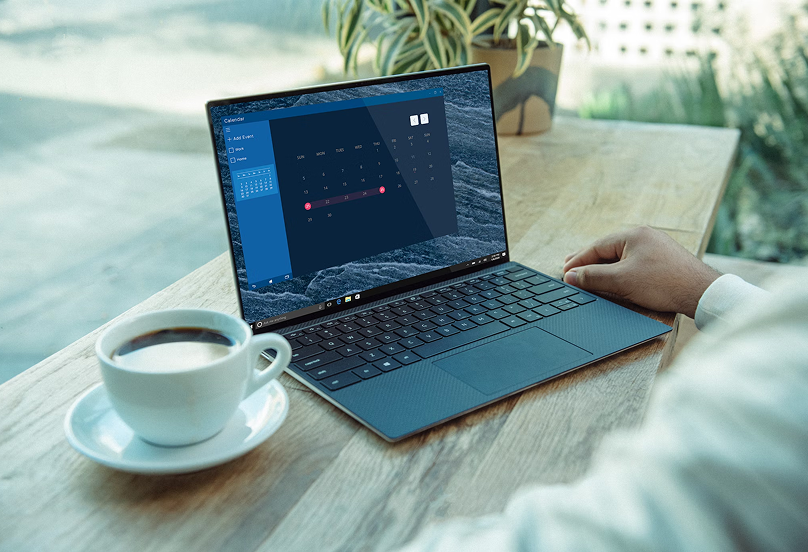
Classify your files as they arrive to track versions, renaming, transfers, and distribution.
Understand the state of your media and progress toward building your show, as a team.
Manage
After your event, transfer all the used files cleanly to an archive destination and backup the show database.
FAQ's
Looking for more answers? We'll try to cover the basics, reach out if you have more questions!